How to build a shared photo album when you have 50+ contributors
You throw a wedding with 120 guests. Your photographer gets 400 shots. But your guests? They took another 800 photos on their phones. Candid moments your photographer missed. Different angles. Someone's drunk uncle doing something hilarious at the reception.
Those 800 photos exist somewhere. But getting them from everyone's phones into one place where you can actually access them? That's where everything falls apart.
The usual solution is to post in the wedding group chat: "Hey everyone, please share your photos!" You get maybe 50 photos from three people. The rest either forget, don't see the message, or fully intend to do it later and never do.
Two months pass. Those photos are still scattered across 120 different phones. Some people have already deleted them to free up storage space.

See it in action
Here's the 30-second version of collecting everyone's photos into one shared album after a trip or event:
Why the traditional methods fail
Let's walk through what actually happens when you try the standard approaches:
Email: "Just email me your photos!" sounds simple. Then someone tries to attach 30 photos and their email client rejects it because the files are 80MB total.
Google Photos shared album: This requires everyone to have a Google account. Your 68-year-old aunt doesn't remember her Google password. Your college friend hasn't signed into Google in years.
Dropbox or Drive link: Similar problems. Half your guests don't have accounts. The interface isn't intuitive if you're not already familiar with it.
Instagram hashtag: Instagram compresses images to garbage quality. You're not getting the 4K originals from people's phones.
WhatsApp group: Within an hour, finding a specific photo means scrolling through 200 messages. WhatsApp also compresses images heavily.
The real problem nobody solves
The core issue isn't technical. It's friction. Every barrier you add loses you 30% of your contributors. You need something that works immediately. No installation. No signup. No confusion.
What actually works (and why)
A link. That's it. Just a link.

Easy uploads for everyone
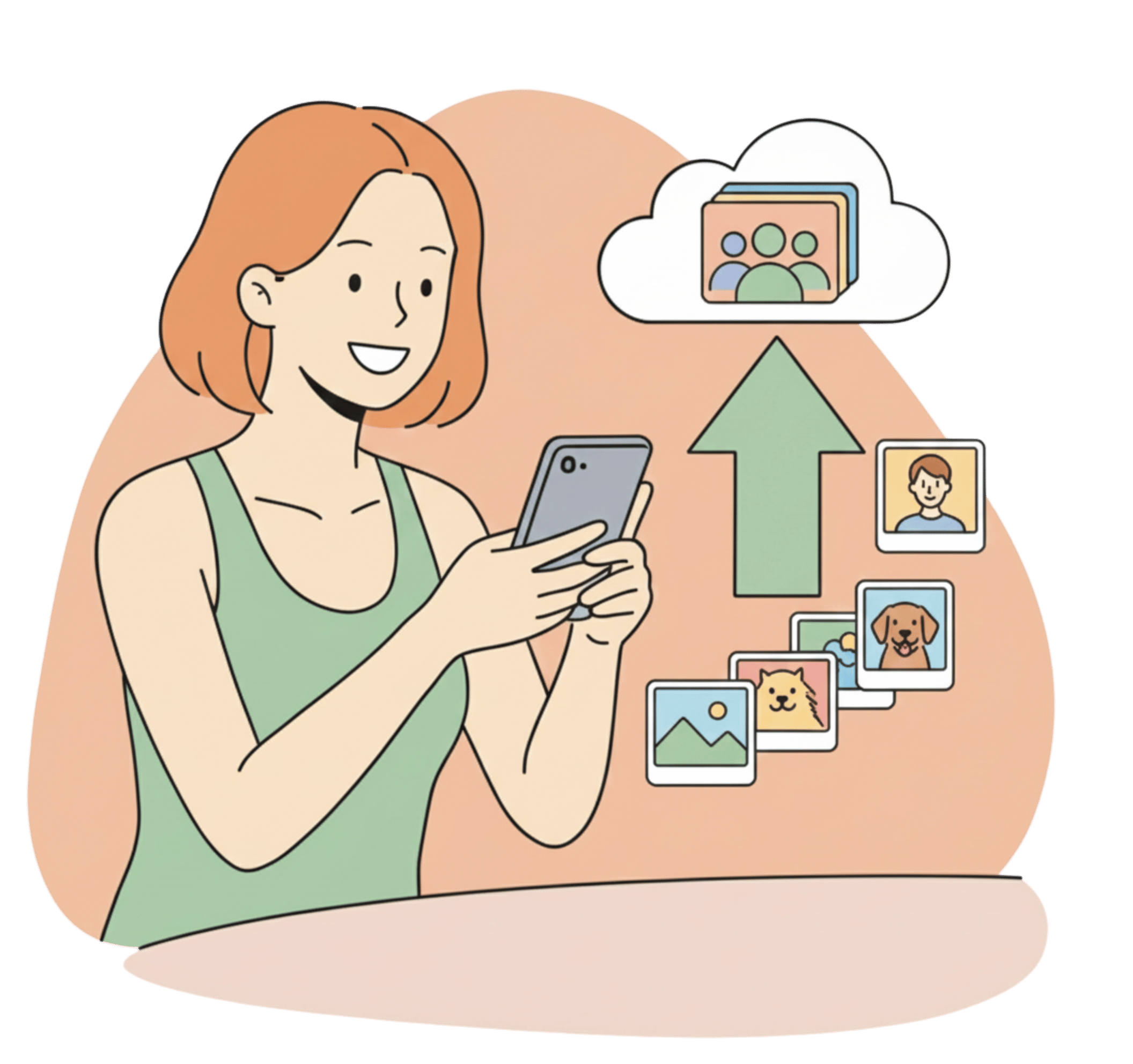
Share a simple link, and anyone can upload their photos to your album for free.
You share one link with all your guests. Anyone who has the link can click it and upload photos directly from their phone's camera roll. No app to download. No account to create. No waiting for approval or access permissions.
This is how it should work. This is how people expect it to work.
The four ways people collect guest photos
Every method for gathering guest photos is really one of four things: a QR code, a shared link, a cloud album, or AI selfie delivery. They sound interchangeable. They are not. Here is how each one behaves once real guests get involved.
A QR code on the table
A printed QR code on the welcome sign or the dinner tables is the lowest-effort ask you can make. Guests point a camera at it, tap the notification, and land on the upload page. No typing, no digging through a chat for a link that scrolled away an hour ago.
The catch is line of sight. If the code sits on a table tent that gets cleared during dinner, or it is printed too small on a busy stage backdrop, half the room never scans it. A QR code works best where people sit and wait: the dinner table, the photo booth, the back of the ceremony program. We broke down when a code beats a plain link in our piece on QR vs hashtag vs link for guest photos.
A shared upload link
The link is the QR code's twin. Same destination, different delivery. You drop it in the WhatsApp group, the wedding website, or the calendar invite, and anyone who taps it uploads straight from their camera roll.
Links travel further than codes because they forward. Your cousin sends it to her husband, who sends it to his sister, and people who never saw the sign at the venue start contributing. The downside is that a link buried in a 200-message group chat disappears fast, so it needs pinning or reposting.
A cloud shared album
This is the method most people reach for first, and it is the one that quietly loses you the most photos. A Google Photos or iCloud shared album assumes everyone lives in the same ecosystem you do. Your one aunt without a Google account is locked out, the request-access dance kills the momentum, and the mixed bag of iPhone and Android guests never fully lines up.
Cloud albums are fine when the group is small and technical, like five friends from a trip who all use the same phone. For a 120-person wedding with guests aged 8 to 80, the account requirement is the wall most people quit at.
AI selfie delivery
This one flips the problem around. Instead of everyone hunting for the photos they are in, guests send one selfie and get their own photos back automatically. Face matching does the sorting. It is less about collection and more about distribution, but it fixes the reason people disengage: nobody wants to scroll 2,000 photos to find the six they actually appear in.
For gathering the pile you still want a link or QR code. AI selfie delivery is what makes the pile worth contributing to, because guests know they will get something back without doing the digging.
| Method | Guest effort | Biggest weakness | Best for |
|---|---|---|---|
| QR code | Scan and upload | Needs line of sight to the code | Seated moments: dinners, photo booths |
| Shared link | Tap and upload | Gets buried in group chats | Anything with a WhatsApp group |
| Cloud album | Sign in, request access | Account and ecosystem walls | Small, tech-comfortable groups |
| AI selfie delivery | Send one selfie | Still needs a link to collect | Big events where scrolling is the problem |
Why 30 photos per person makes sense
Because unlimited creates bad behavior. Someone uploads 400 nearly-identical photos. Thirty photos forces people to curate. They pick the good ones.
Building the collective album
You create the album before the event. You get an upload link. Share it in the group chat. People upload throughout the event or whenever they have a moment. By the end, you've got a complete collection from everyone.
Simple for every guest
No apps, no signup. Just tap and upload.
How to actually get guests to upload
Building the album is the easy part. Getting 120 distracted people to stop dancing and upload is the real job. A few things move the needle.
Ask at the right moment. "Please upload your photos" means nothing at 11 a.m. before anything has happened. The same request at the end of the night, when phones are full, actually lands. For a wedding, the reception is the sweet spot. For a birthday dinner, it is right after the cake.
Make one person say it out loud. A link in the group chat gets ignored. The MC or the host announcing "scan the code on your table and drop your photos in" pulls a wave of uploads in the next ten minutes. People act when a human asks, not when a notification does.
Pin it and repeat it. Post the link once and it is gone by the time people are ready. Pin it to the top of the WhatsApp group, then repost it the next morning with "add yesterday's photos here" while the memory is fresh.
Show the pile growing. When guests can see the album already holds 200 photos, they add theirs. An empty album feels like homework. A full one feels like a party they want in on.
Here is the concrete version. A Saturday sangeet with 80 guests: you print the QR code on the table cards, the MC mentions it between performances, and you pin the link in the family group. By Sunday lunch you have 600 photos from 40 different phones, including the ones the photographer was facing the wrong way to catch. Compare that to the default outcome, which is a group chat with nine photos from your sister and nothing else.
What happens on the backend
Photos stay at full resolution. No compression. No quality loss. They all appear together in one timeline. And if you're using the face recognition feature, all these contributed photos get included in the search.
The outcome
You have a complete event legacy. Not just the pro shots, but the candid, real moments captured by the people who matter most.

A note for the photographer covering the event
If you are shooting the event, guest photos are not competition. They are the parts of the day you could not physically be in two places to catch. The workflow that collects them is the same one that delivers your own gallery.
You upload your gallery to AccioPix once. Guests send a selfie on WhatsApp and get the shots they are in, at full resolution, with no app and no login. That means fewer "can you send me just my photos?" messages three weeks later, faster delivery, and your name in front of a few hundred guests who are all potential clients. A 500-photo event runs about ₹100 in credits, which is rounding error against what you charge to show up.
There is a longer breakdown of how photographers turn delivery into repeat bookings in our guide to growing a photography business, and the full workflow lives on our photography page.
Frequently asked questions
How do I collect photos from my event guests?
Share one upload link or QR code that opens a page where guests add photos straight from their camera roll, with no app and no account. Put the code on the tables and the link in the group chat, then ask people to upload at the end of the night when their phones are full. Everything lands in one album at full resolution.
Do guests need an app or account to upload photos?
No. That is the whole reason to use a link or QR code instead of a cloud shared album. Guests tap the link, pick their photos, and upload. No download, no signup, no request-access screen. Removing that friction is the single biggest reason more people actually contribute.
How do I get guests to actually upload their photos?
Ask at the right moment and make it a human ask. A link posted once in a busy group chat gets ignored. The host or MC saying "scan the code on your table" out loud, plus a pinned link and a next-morning reminder, turns a handful of uploads into hundreds. It helps to show the album already filling up so contributing feels like joining in.
What is the best way to share one album with a large group?
Use a single link that anyone can open without an account, so the group is not split across iPhone and Android ecosystems. For big events, pair it with AI selfie delivery so each guest gets their own photos back automatically instead of scrolling the whole pile. That keeps a 100-plus person album usable instead of overwhelming.
Which collection method actually gets wedding guests to share their photos.
Instant photo delivery during high-energy events with no apps required.
The full workflow from photo upload to instant guest delivery.