An image collage maker for 2 to 12 photos: one picture for an Instagram post, a story or a print. Pick a grid, drag to arrange, add a title, and save. Free, private, and runs 100% in your browser.
Drop 2 to 12 photos here, or choose
JPG, PNG, WebP or HEIC · paste works too · nothing is uploaded
Reading photos
Reading 0 of 0 photos
Drag onto another photo to swap. Drag inside one to move it; tap to zoom.
BackgroundFrom your photos
Font
Position
Making a collage from an event?
With AccioPix, you upload the event once and every guest gets the photos they are in on WhatsApp, from a selfie. No more asking around for the good ones.
Your browser does all of it: no upload, no account, no watermark, and nothing to install.
1
Add your photos
Drop in 2 to 12 photos, choose them, or paste one. iPhone HEIC photos work, and each photo is turned the right way up from its camera data.
2
Pick a layout and a size
A layout is chosen for the number of photos, and portrait photos are put in tall frames so less of them is cut off. Try an even grid or one with a large photo, and Shuffle to try another order.
3
Arrange and save
Drag photos to swap them, slide each one in its frame, set the spacing, border and background, add a title, and save a JPG or PNG at the exact size for Instagram or print.
100% private. Your photos never leave this device. There is nothing to delete afterwards, because nothing was ever sent.
Layouts and grids
Every number of photos from 2 to 12 has its own layouts: even grids, such as two side by side, a 2×2 or a 3×3, and layouts with one large photo and the rest around it. The collage maker starts with a layout that suits your photos, putting portrait shots in tall frames, and Shuffle tries another order. Spacing, border width, rounded corners and the background colour are yours to set, from a white contact sheet to a seamless mosaic on black.
Collage ideas
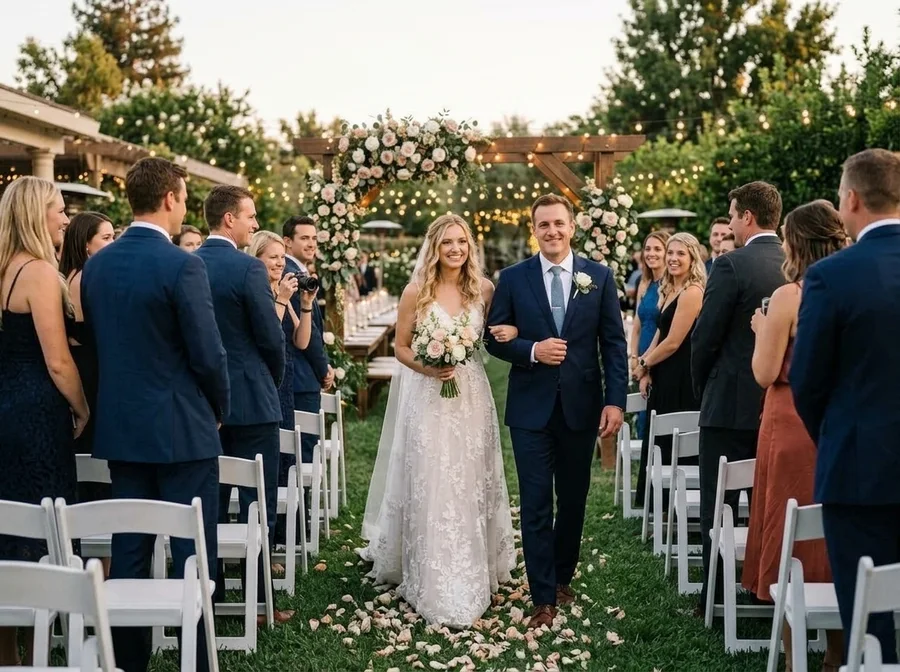
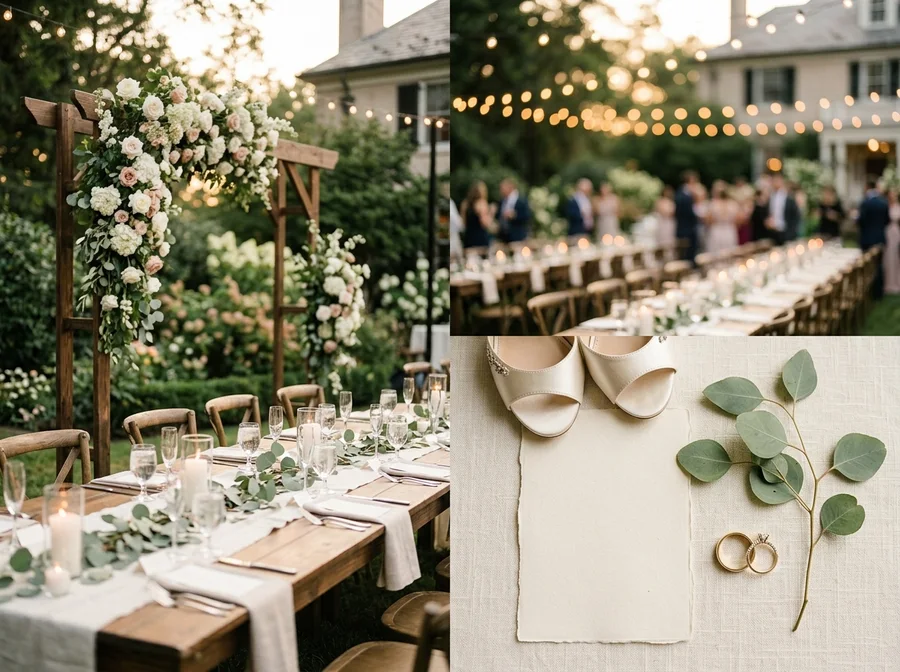
Wedding
One large portrait and the moments around it, with the couple's names along the bottom. Use 4×6 for a frame on the guest table, or a square post the morning after.
Our wedding day
Birthday or party
Four to six photos in a 9:16 story, with the name and the date as the title. Put the cake or the group photo in the large frame and the candid ones around it.
Travel
Nine to twelve photos in an even grid tell a whole trip in one post. Thin white spacing reads as a contact sheet; no spacing on black reads as a mosaic.
Collage sizes
Each size is saved at its exact pixel size, so Instagram doesn't crop or shrink it and a print shop prints it sharp. For every other shape Instagram takes, see the Instagram post size chart; for frames and albums, the photo print sizes and DPI chart.
Size
Shape
Pixels
Use it for
Instagram post
4:5
1080 × 1350
The feed: a tall post that fills most of the screen
Square
1:1
1080 × 1080
Feed posts, WhatsApp, profile grids
Story
9:16
1080 × 1920
Instagram and WhatsApp stories, Reel covers
Landscape
16:9
1920 × 1080
Slides, YouTube, a TV or laptop screen
A4 print
portrait or landscape
2480 × 3508 (300 DPI)
Printing at home or a poster for the guest table
4×6 print
portrait or landscape
1200 × 1800 (300 DPI)
A standard photo print for a frame or an album
A collage from an event
After a wedding or a party there are hundreds of photos and room for nine. Pick the best photos first with the free picker, which puts the sharpest, best-lit frames at the top, then drop those into the collage. To turn the same photos into a short video with music instead, use the photo video maker.
Getting a good collage
Fewer, better photos make a stronger collage than many small ones: on a phone screen, frames smaller than a thumb stop reading as photos. Choose one photo to lead and give it the large frame, then pick the others for variety: a close-up, a wide shot, a detail. Keep the spacing the same width as the border so the grid looks deliberate, and use a background colour taken from the photos when white looks too stark. To shrink a collage for email afterwards, use the photo compressor; to put your name on it, use the watermark maker.
Frequently asked questions
Is this collage maker really free, with no watermark?
Yes. There is no sign-up, no limit on how many collages you make, and the saved collage has only your photos and your title on it.
How do I make a photo collage for free?
Drop 2 to 12 photos into the collage maker above. A layout is picked for the number of photos, with portrait photos in tall frames. Choose a size, try other layouts or shuffle the photos, then press Download.
How many photos can I put in one collage?
From 2 to 12. Each number of photos has its own set of layouts: even grids, and layouts with one large photo and the others around it. For more photos, make two collages or a carousel.
Do my photos get uploaded anywhere?
No. The collage is drawn in your browser, on your own device. The photos are never sent anywhere.
What size should a collage be for Instagram?
For a feed post, 1080 × 1350 pixels (4:5), which fills most of the screen in the feed. Square posts are 1080 × 1080. For a story or a Reel, 1080 × 1920 (9:16). The collage maker saves each at exactly that size.
Can I print my collage? What resolution do I need?
Yes. Choose A4 or 4×6 in portrait or landscape. A4 is saved at 2480 × 3508 pixels and 4×6 at 1200 × 1800 pixels, which is 300 DPI, the resolution photo labs print at, and the file is marked as 300 DPI.
How do I make a photo collage on my phone?
Open this page in your phone's browser and choose photos from your gallery; iPhone HEIC photos work. Drag inside a photo to slide it in its frame, drag it onto another to swap them, and pinch to zoom. On an iPhone the Save button opens the share sheet, where Save Image puts the collage in Photos.
Can I make a birthday collage?
Yes. Use the 9:16 story size for a birthday status, or a square post, put the cake or the group photo in the large frame and add the name and date as the title.